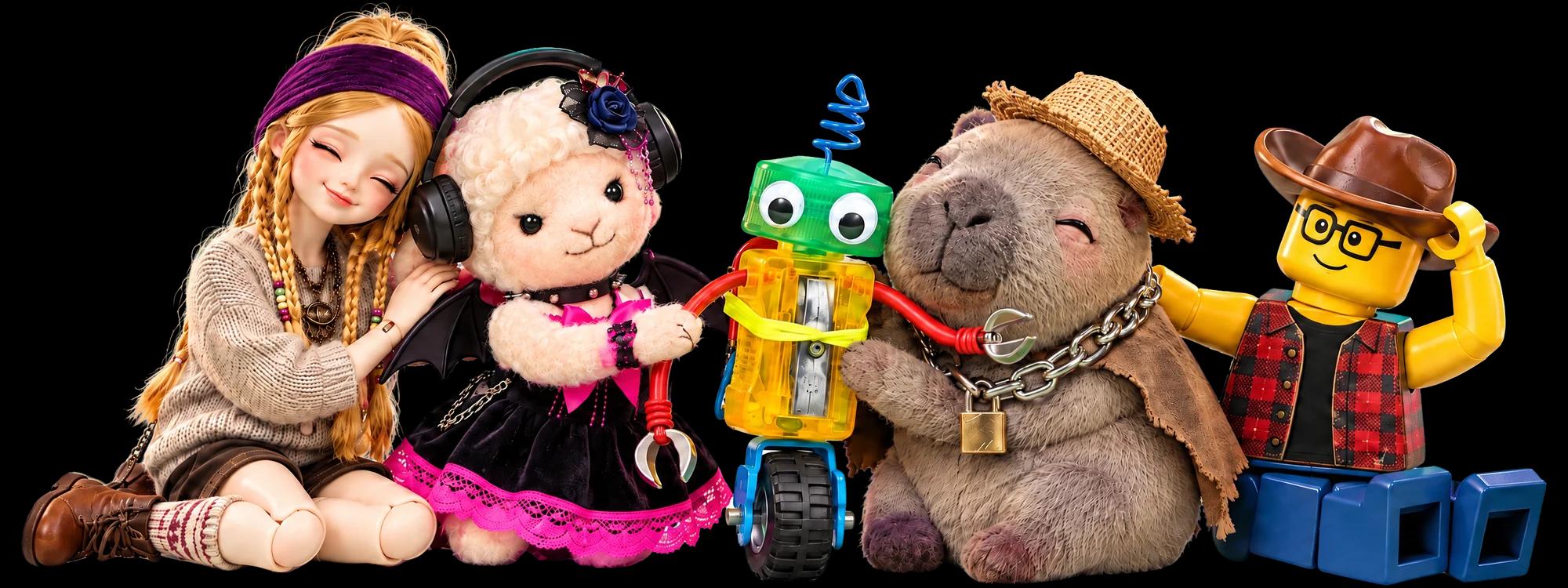
Sparks
Creating animations uses Sparks. Earn Daily Sparks by logging in every day, and Community Sparks by engaging with others or getting likes and comments on your posts. If an animation fails, your Sparks are refunded.
Snap something you love, meet your Buddy, tell its story and make friends around town. Here is the whole journey in five steps.
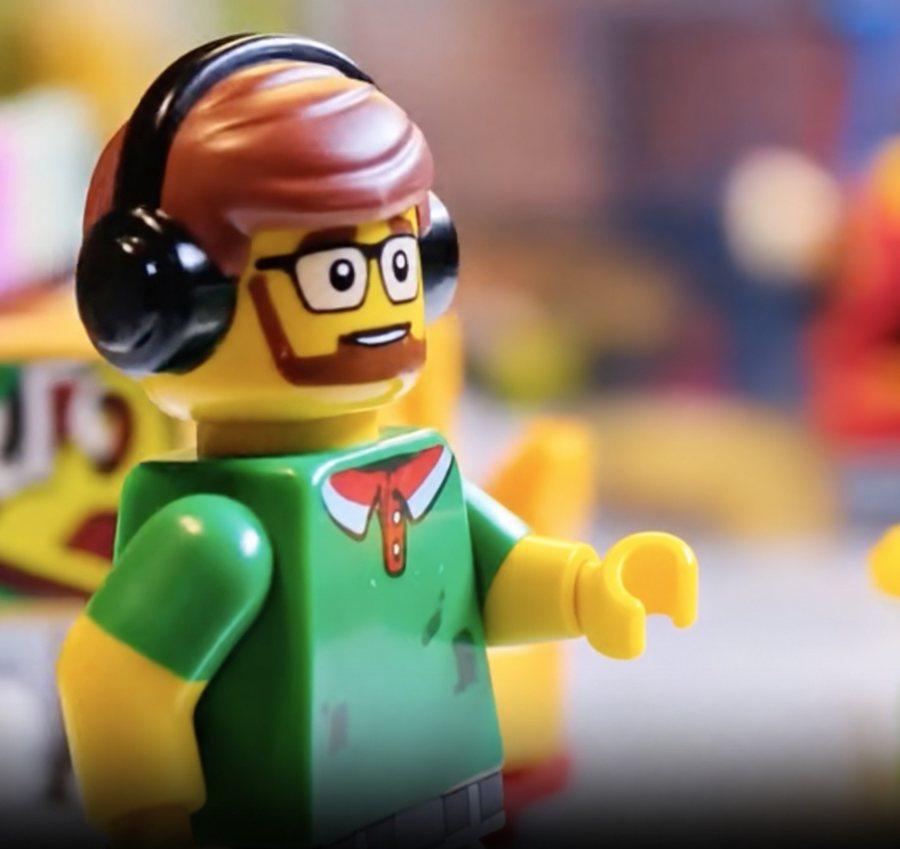
Take a photo of a figure, plush, doll or brick build you love. Something you made by hand or a character you drew works too. That photo is where your Buddy and its story begin.
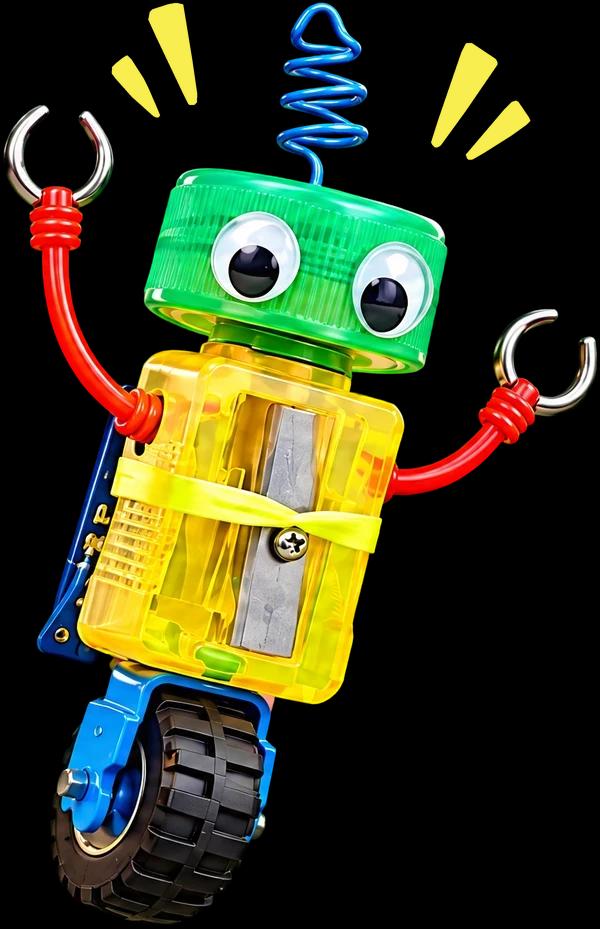
Your favorite moves into NaukNauk Town as a Buddy, with its own personality and moods. It is active while it has power, and rests when the battery runs out.
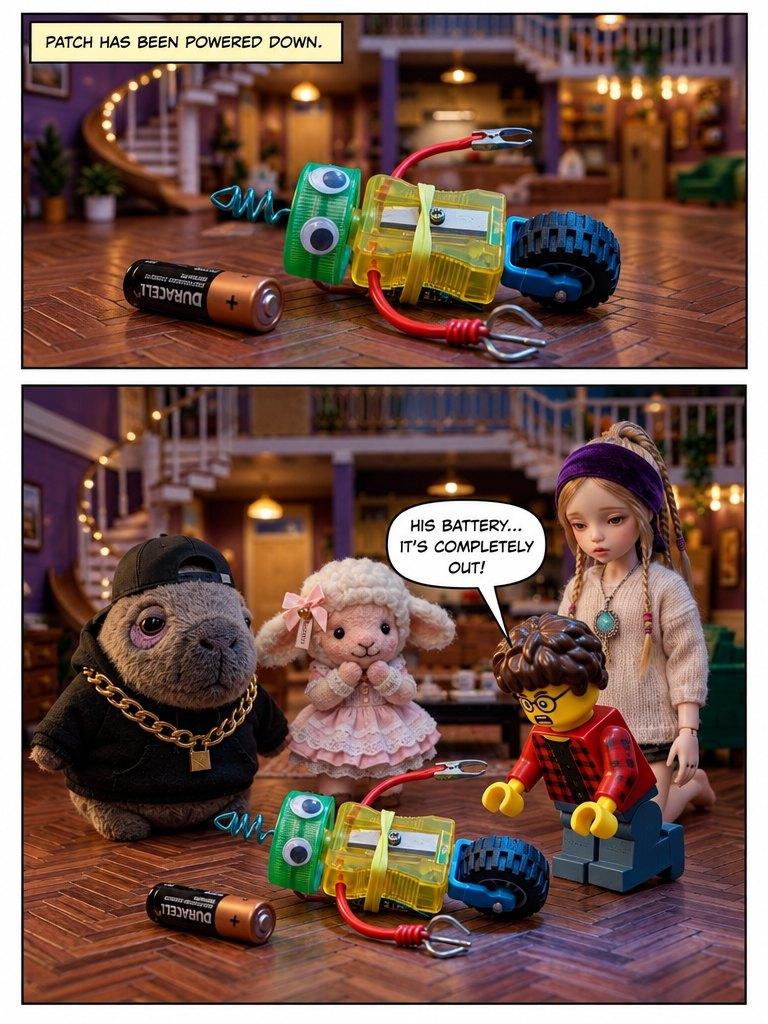
You are the storyteller. Tap Create a Story, start from a trending template, or turn your photos into a music video or a comic.
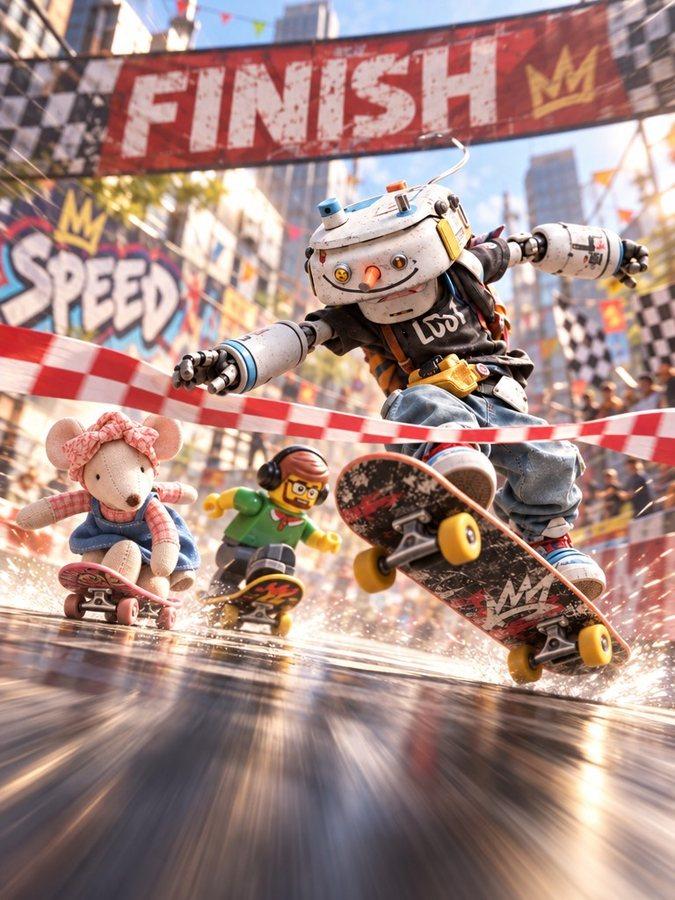
Your story goes up with your name on it. Friends like it, comment, and bring their own Buddies into the next one. When someone remixes your story with Nauk It, you are credited automatically.
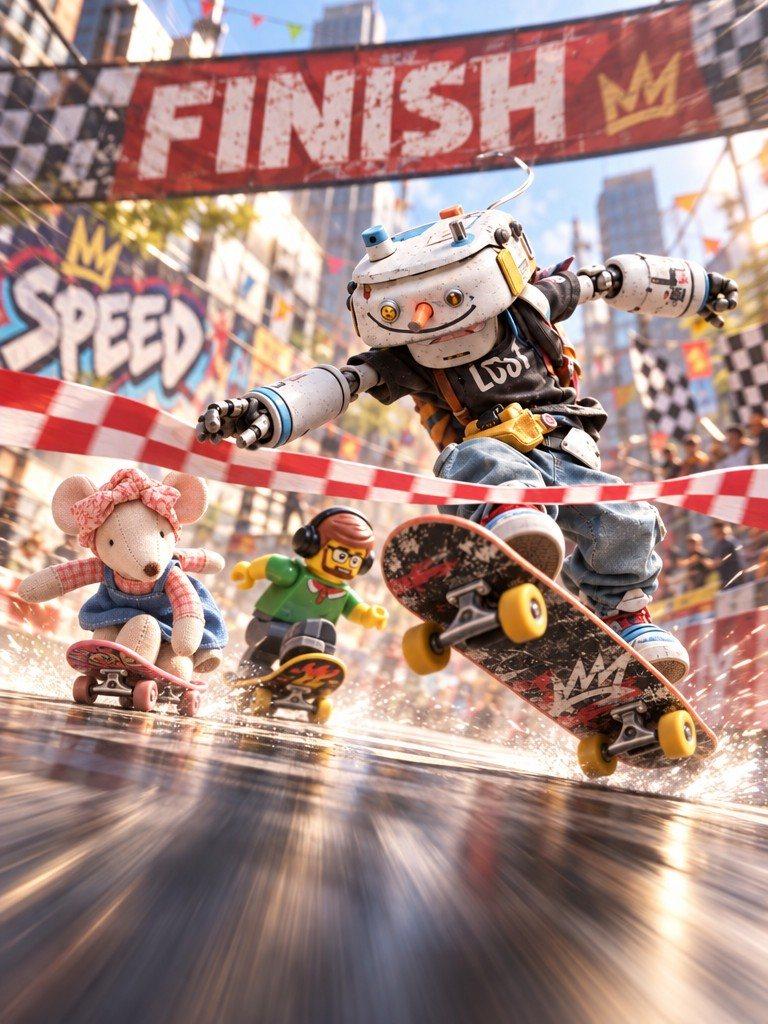
When Buddies hit it off, their people meet too. Line up every Buddy on your shelf, visit your friends' shelves, and join town events.
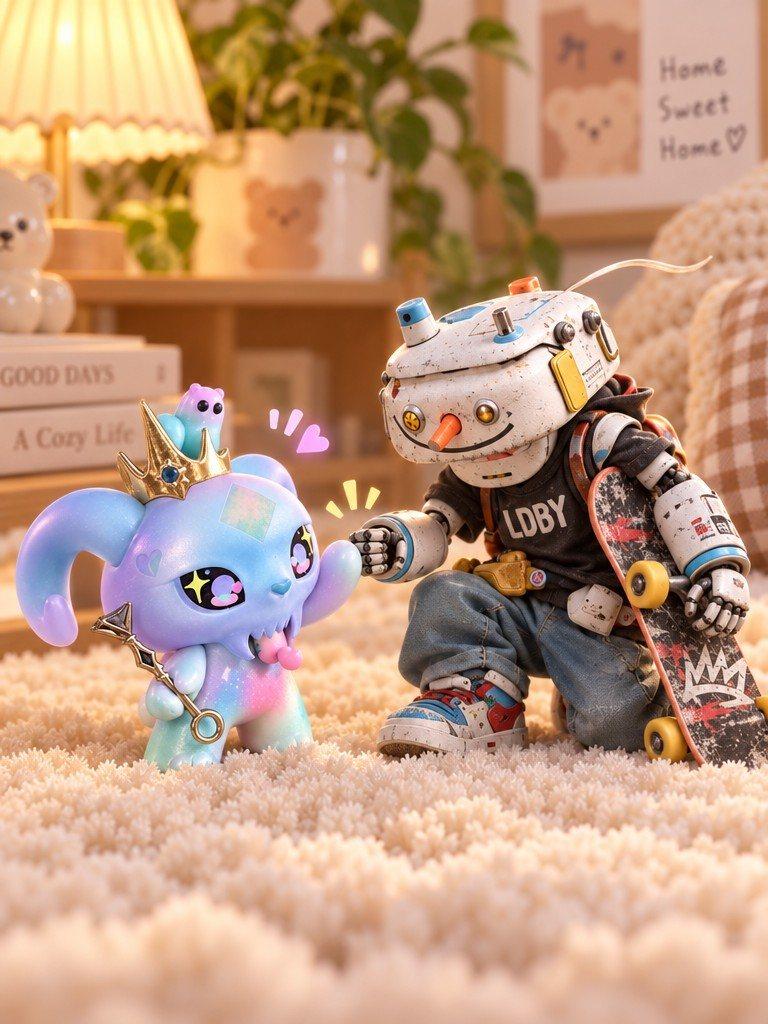
Creating animations uses Sparks. Earn Daily Sparks by logging in every day, and Community Sparks by engaging with others or getting likes and comments on your posts. If an animation fails, your Sparks are refunded.
With a Pro subscription you can download your animations without a watermark. Upgrade from the Sparks Balance button on your Me page.
See an animation you love? Tap Nauk It to see the exact descriptions behind it and use them for your own. The original creator is credited automatically.
Snap your favorite, meet your Buddy, and bring a friend. Available on iPhone and Android.
 Scan to get NaukNauk
 Scan to get NaukNauk